This example assumes that you have a TreeTop project open that contains two finished Tornado Diagrams.
The screenshot below shows a TreeTop project with two Tornado Diagrams, one for a Tieback strategy, and another for a Standalone strategy.
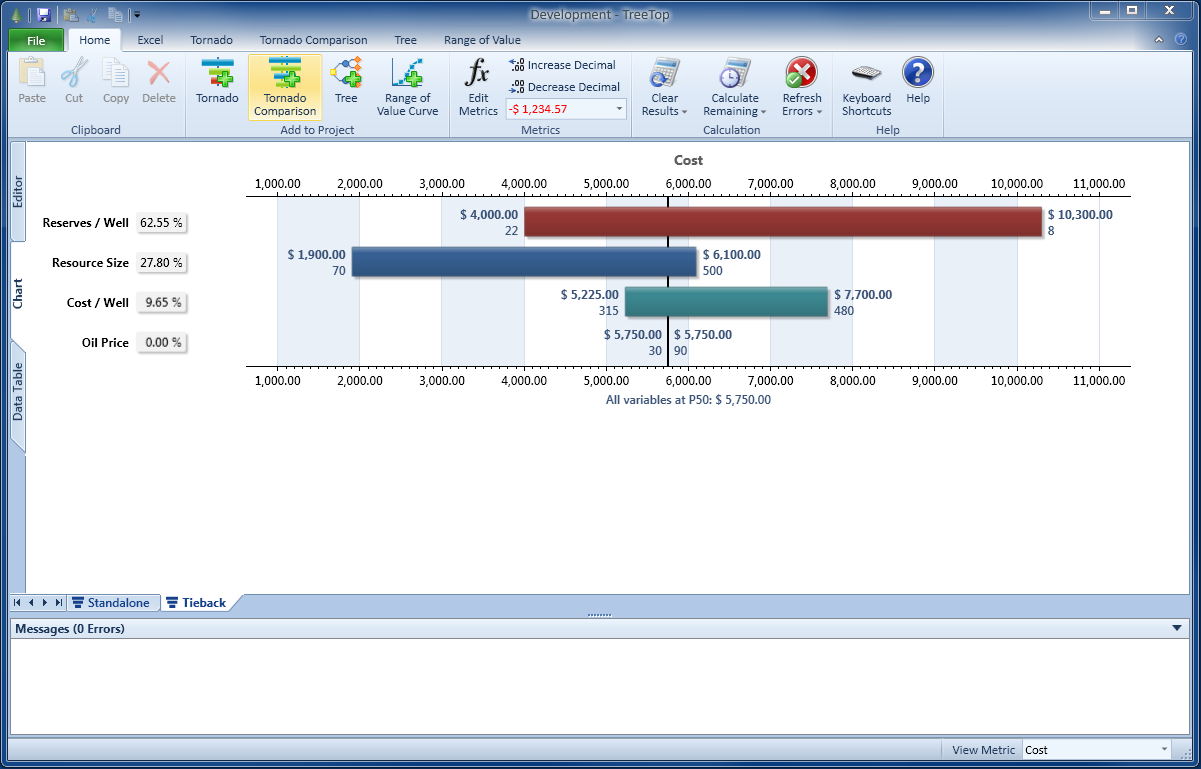
Click on the Tornado Comparison button, which is located in the Add to Project section on the Home ribbon tab.
A new Tornado Comparison is added as a new project tab.
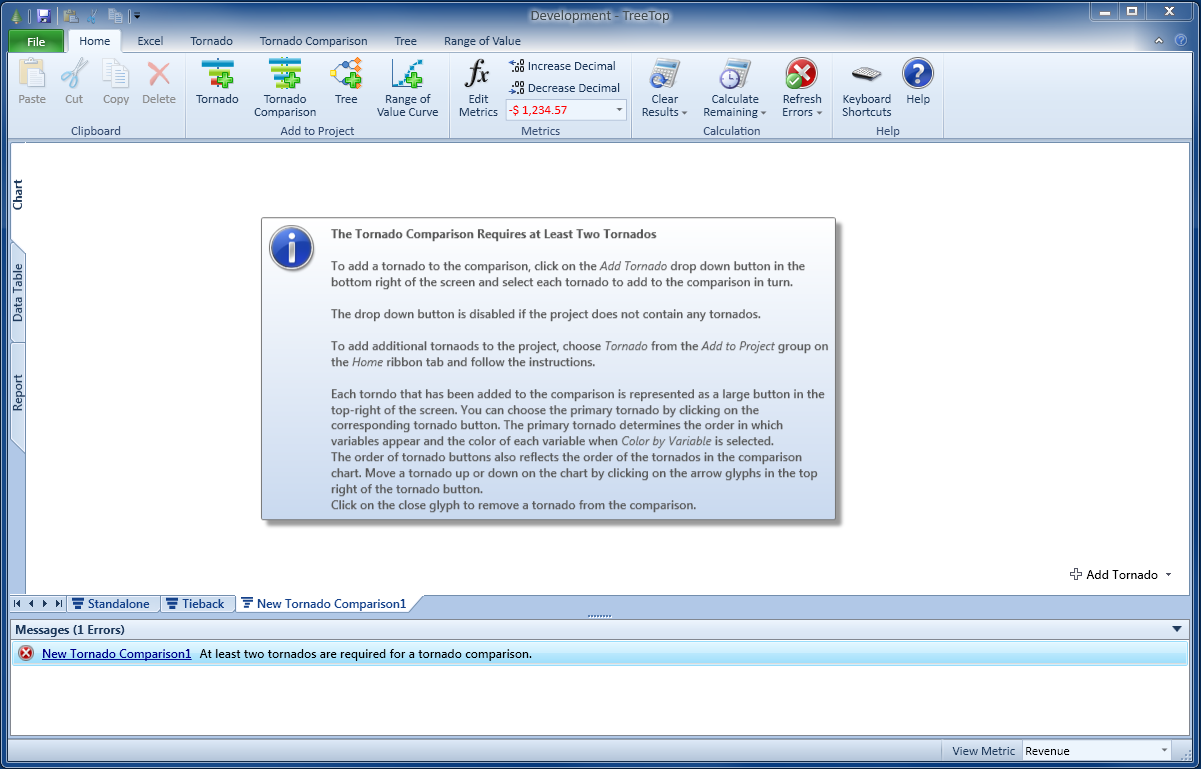
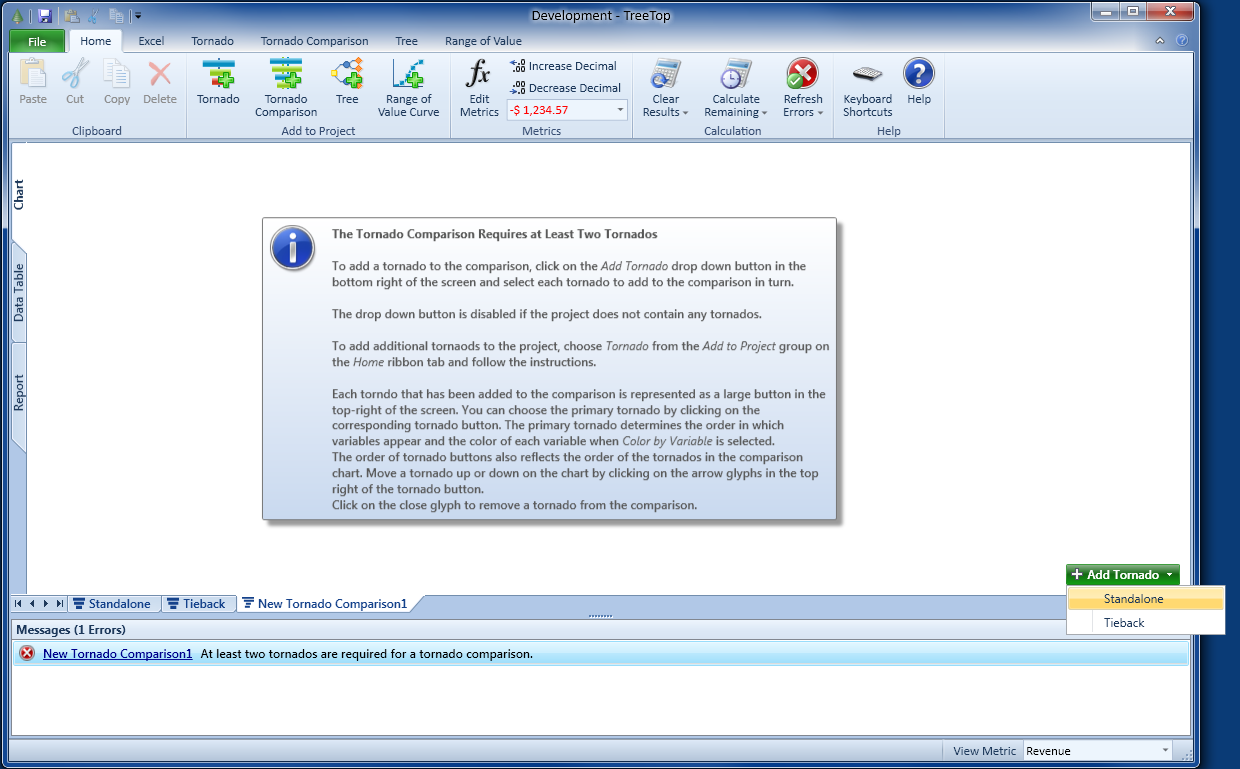
Now click on the Add Tornado button in the bottom right of the screen.
A pop-up menu opens which shows all available Tornado Diagrams that can be added to the Tornado Comparison.
Choose one of the two Tornado Diagrams by clicking on it.
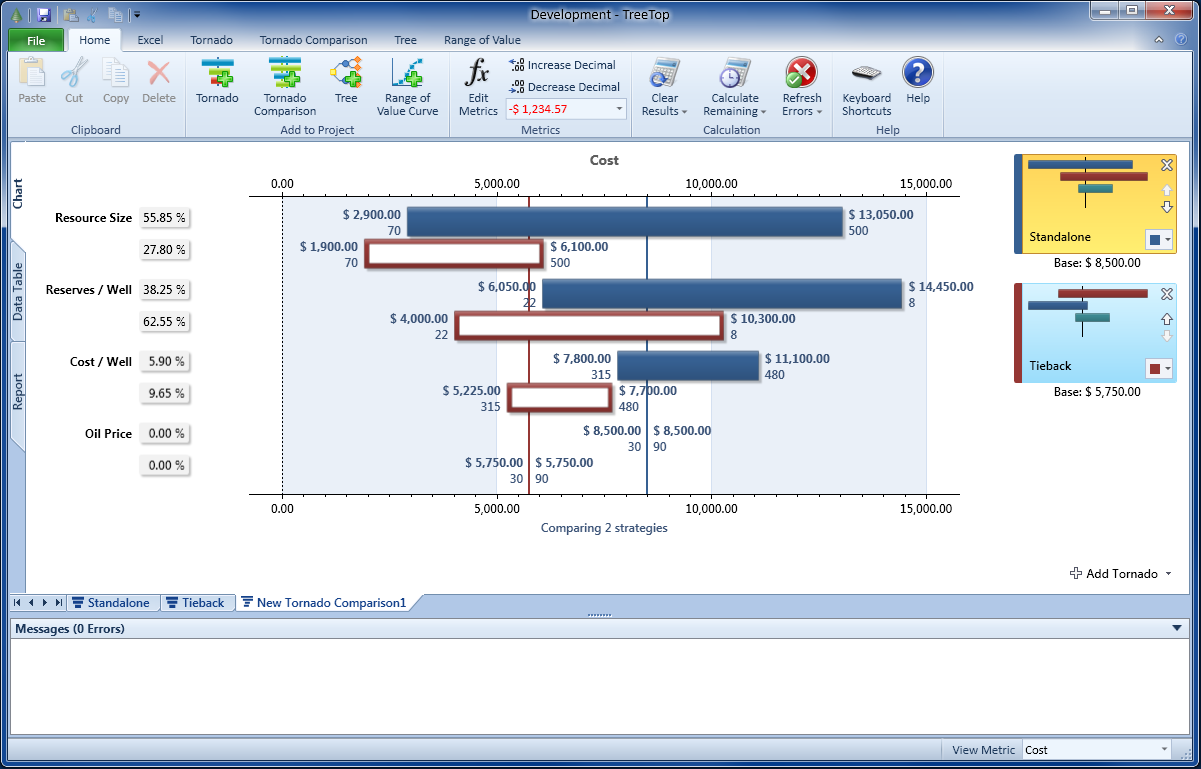
Add the second Tornado to the comparison by repeating these steps.
A Tornado Comparison requires at least two Tornados to display. The total number of Tornados is not restricted.
Navigate
Next
Basic Display OptionsTornado Comparison Reference
IntroductionBuilding Your First Tornado Comparison
Basic Display Options
Working With the Sidebar
Tornado Comparison View Modes
Data Table
Report and Insights
Other Resources
Introduction to Tornado DiagramsTreeTop Application
Table of Contents